
Template Node
The template node is one of the core components in FlowAI, capable of integrating inputs from multiple nodes into a single output. Through proper use of template nodes, you can achieve content reuse and variable merging, thereby simplifying complex workflows.
Node Configuration
Basic Settings
-
Node Name
- Set a descriptive name for the template node
- Recommend using names that reflect the merging purpose, such as “Merge User Info”, “Integrate Order Data”, etc.
- Naming convention: Use verb + noun format, like “Merge User Info”, “Integrate Order Data”
-
Content Settings
- You can directly input text and insert variables in the content area
- Variable format is
$variableName, for example$LLM1.resultor$input.input - Supports insertion of multiple variables and custom text between variables
Output
- The merged content will be output as a new variable- Output variable format is `$nodeName.template`, for example `$template1.template`Usage Examples
1. Merging User Information
Let’s create a simple user information merging process, one of the most common scenarios in FlowAI:
-
Input Node Configuration
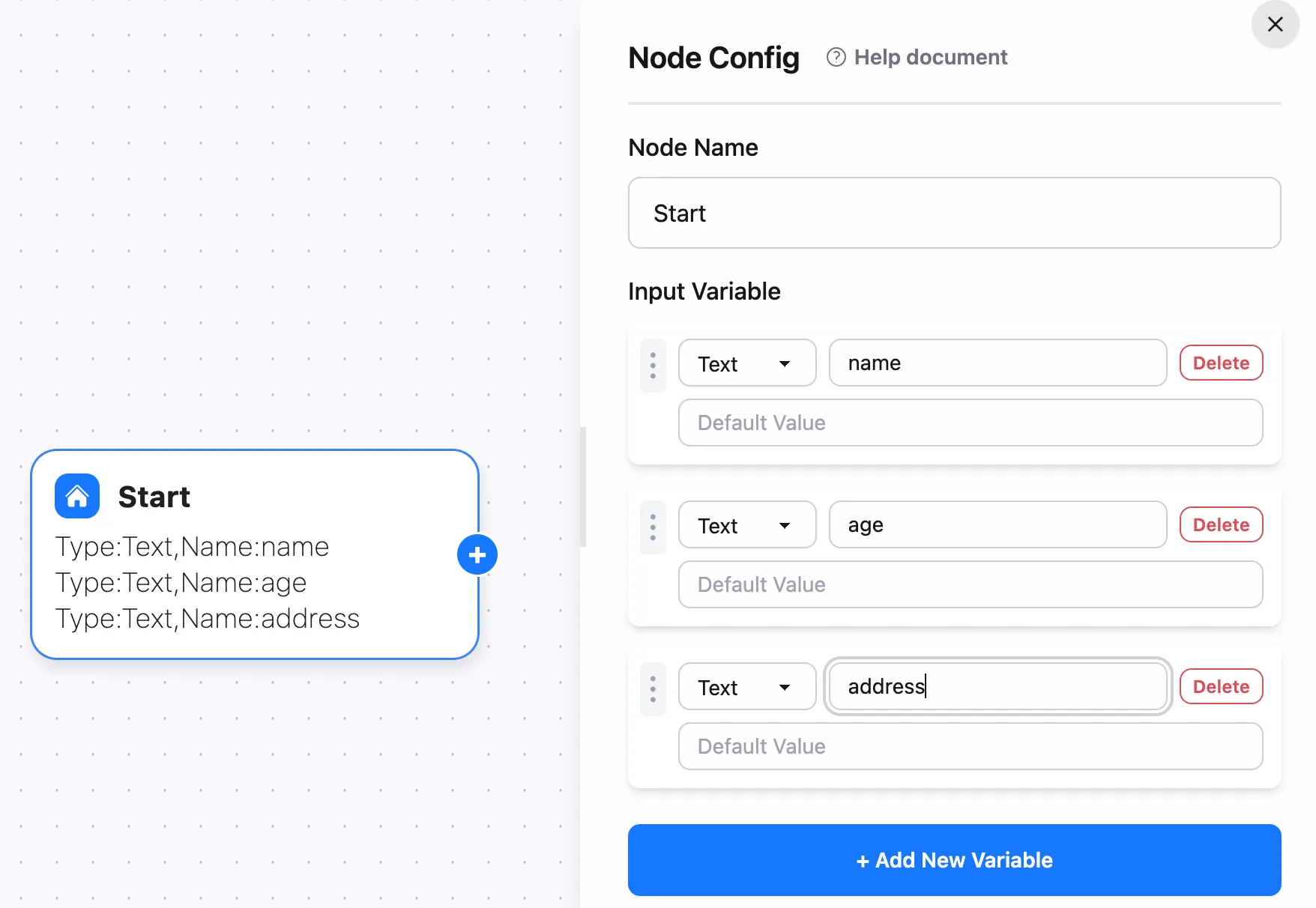
-
Template Configuration
Node Name: MergeUserInfoContent:User Name: $Start.nameUser Age: $Start.ageUser Address: $Start.addressNote: Ensure all referenced variables exist before the template node!
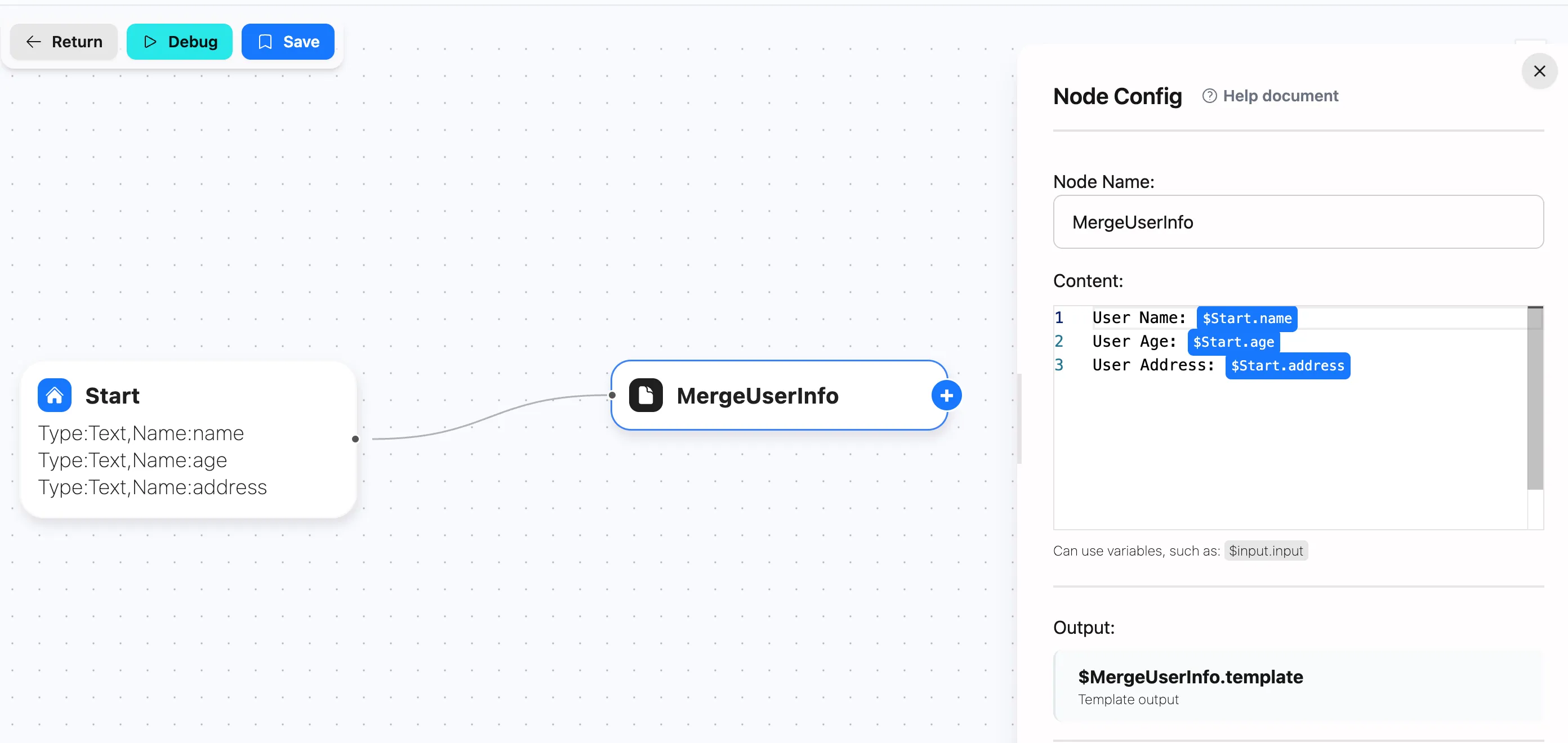
-
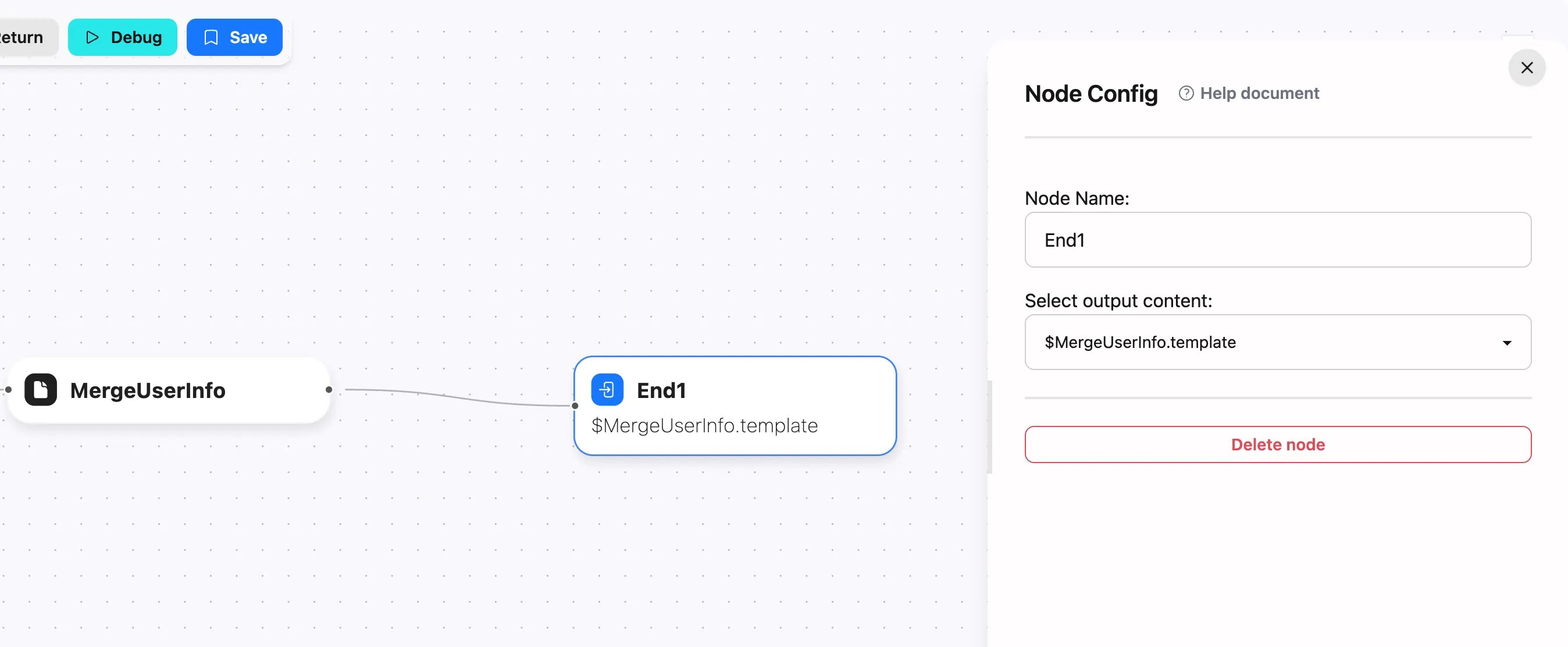
Output Node Configuration
Process the merged content for subsequent operations
2. Integrating Order Data
A practical example - integrating multiple order information into one output, suitable for order processing, data analysis, and other scenarios:
-
Input Node Configuration
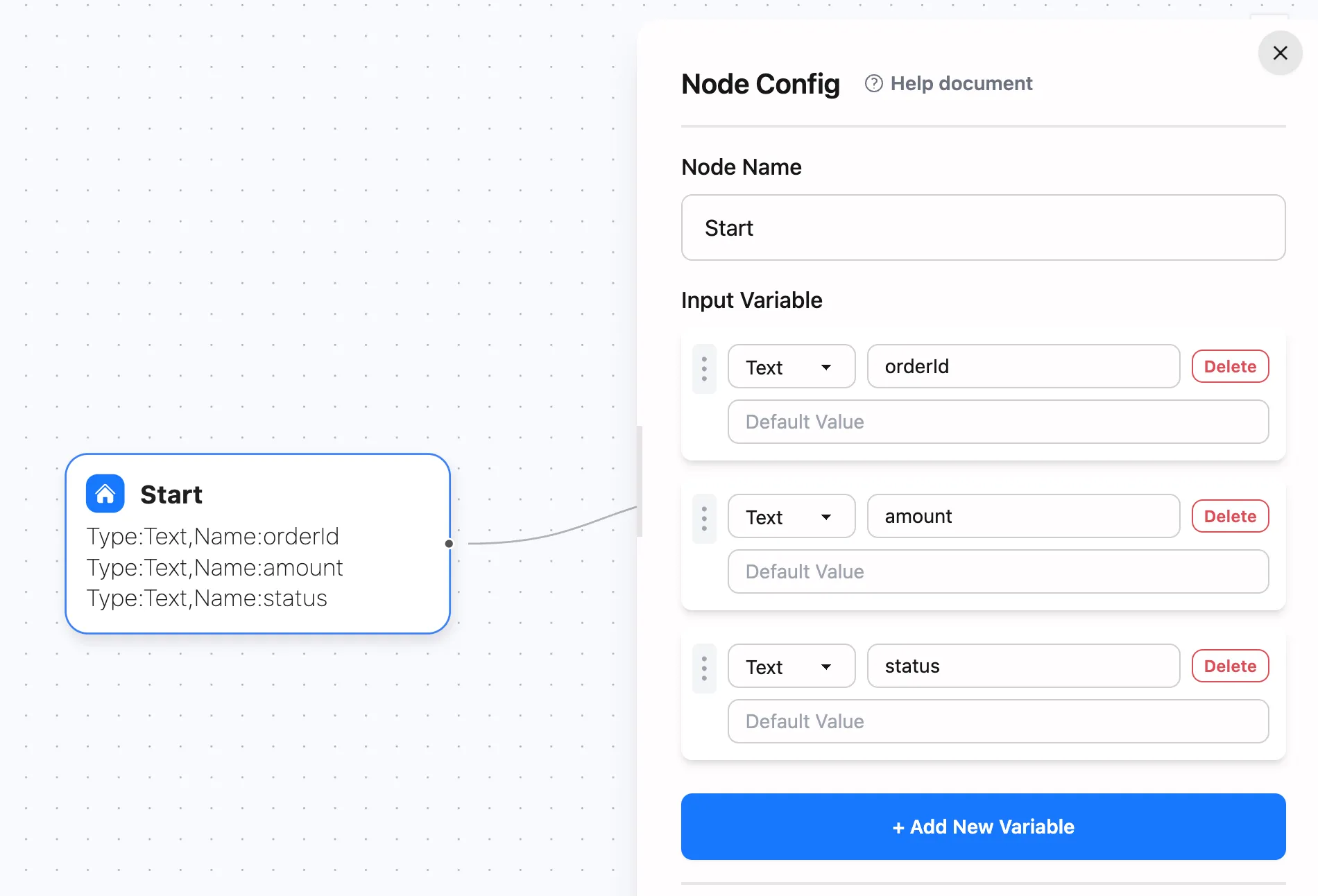
-
Template Configuration
Node Name: IntegrateOrderDataContent:Order Number: $Start.orderIdOrder Amount: $Start.amountOrder Status: $Start.status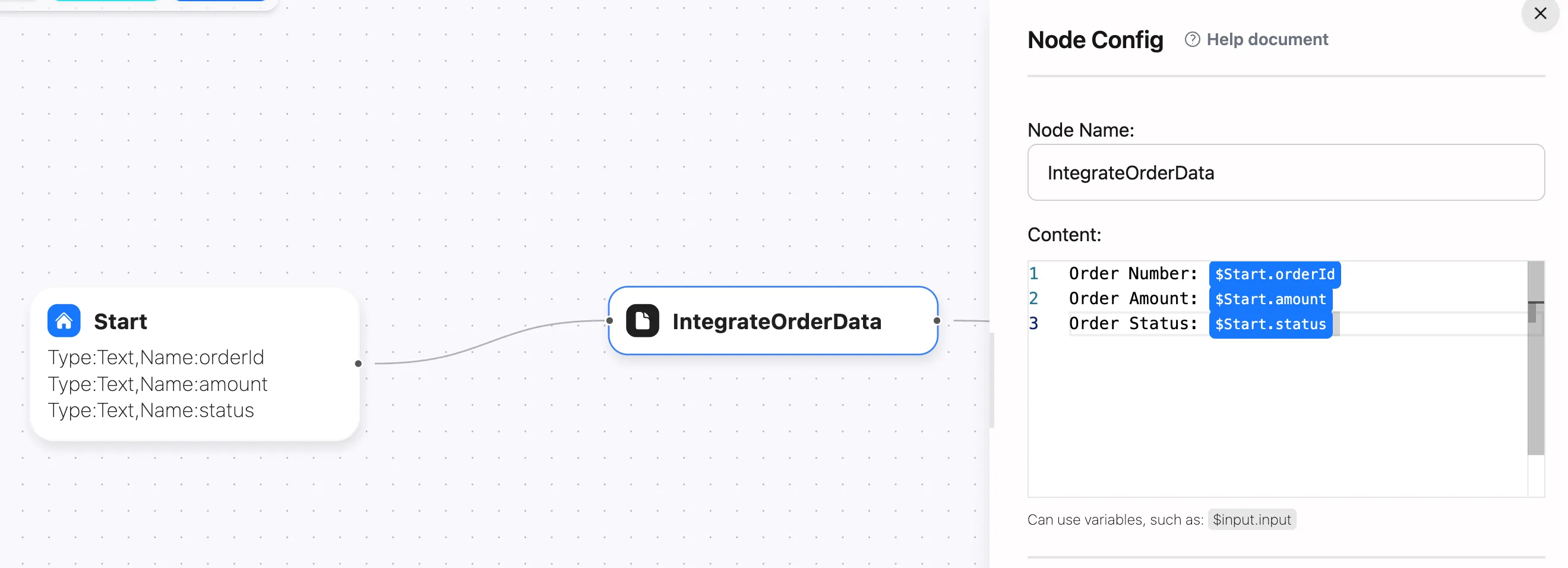
-
Processing Node Configuration
For example, you can:
- Send integrated order data to database
- Send integrated order data to email system
- Send integrated order data to reporting system
3. Message Template Generation
Demonstrating how to use template nodes to generate message templates, suitable for message pushing, notification sending, and other scenarios:
Node Name: Generate Message TemplateContent:Dear $Start.name:Your order $Start.orderId has been $Start.status.Thank you for your support!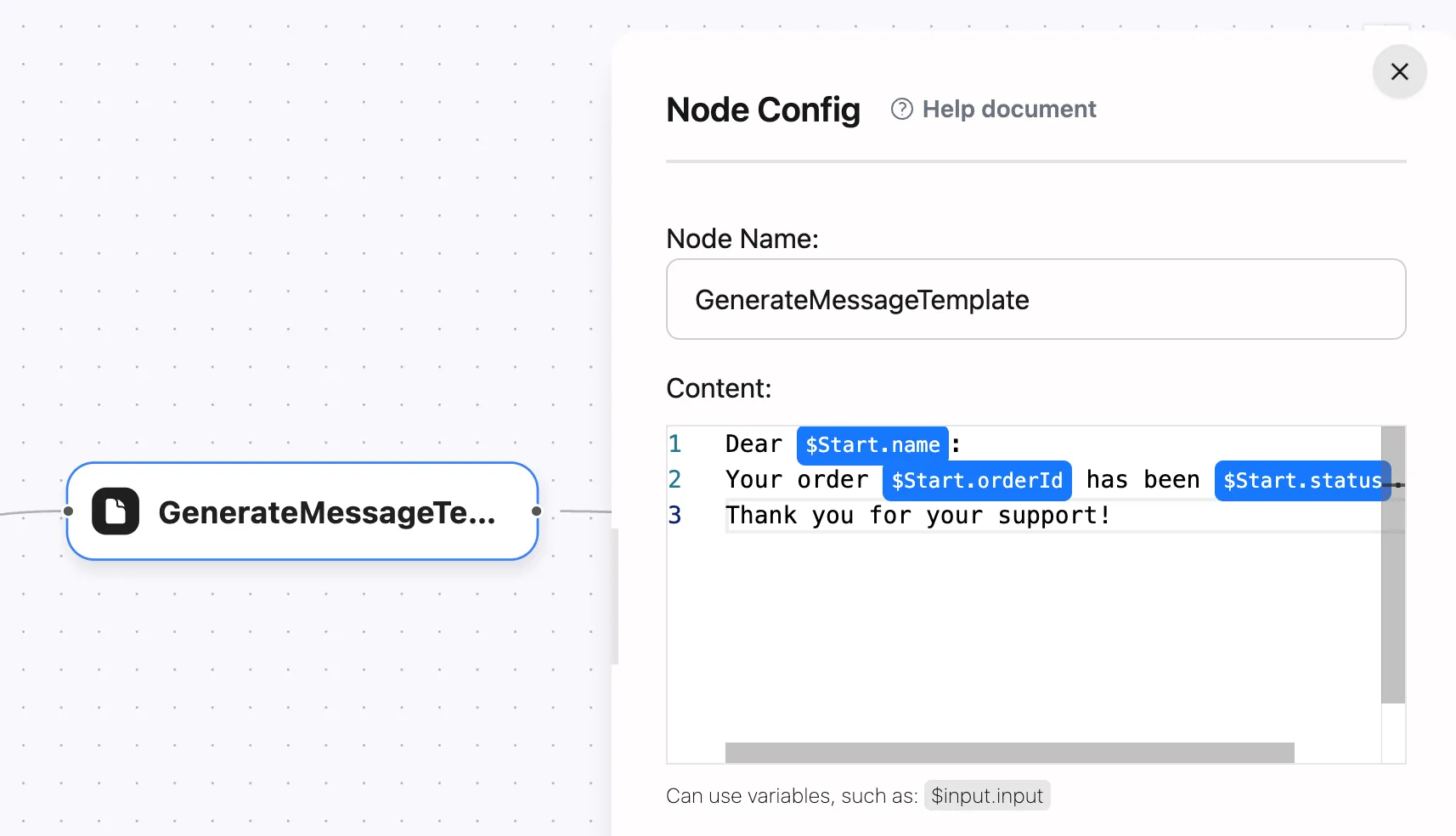
Advanced Usage
1. Nested Templates
You can achieve complex logic by connecting multiple template nodes, suitable for multi-level content integration and complex business rules:
[User Info Template] --> [Order Info Template] --> [Message Template Generation]2. Combined Template Example
Using multiple variables and custom text in one template node, suitable for scenarios requiring simultaneous integration of multiple variables:
Node Name: GenerateReportContent:Report Date: $Start.dateTotal Users: $Start.userCountTotal Orders: $Start.orderCountTotal Sales: $Start.totalSalesBest Practices
-
Content Design Principles
- Pay attention to variable naming conventions
- Ensure variables exist before the template node
- Use comments to explain business meaning of each variable
- Keep content logic simple and maintainable
-
Variable Handling
- Verify variable existence before templating
- Consider data type consistency
- Mind variable scope
-
Error Handling
- Add default value handling for exceptional cases
- Add logging at critical template nodes
- Consider necessity of data validation
Common Issues
Debugging Tips
Using Output Nodes Add output nodes after each template node to help debug the flow:
[Template Node] --> [Output Node(Print Template Result)]Through proper use of template nodes, you can build flexible and powerful workflows. Remember to carefully plan templating logic and ensure variable completeness and consistency to guarantee reliable workflow operation.
Need a Custom AI Agent?
Custom AI agents designed for real-world business operations.